

Capture from anywhere
Record in Veura, import shared audio, or start Quick Dictation from Siri, Shortcuts, and a supported Action Button.
Veura covers the whole path from spoken thought to editable, searchable, actionable, and portable note—while keeping core transcription on your device.
Record in Veura, import shared audio, or start Quick Dictation from Siri, Shortcuts, and a supported Action Button.
Use Apple Speech or download supported Whisper and Parakeet models, then choose a language and quality mode.
Edit the note or use available on-device intelligence for summaries, cleanup, translation, titles, and action items.
Search, tag, pin, archive, recover, reprocess, share, and export without locking your work into Veura.
Veura is a transcription workspace first. Microphone recording, imported audio, and Quick Dictation are always central; Index 01 is an additional direct input.
Record a thought and watch it move into the local processing queue.
Send supported audio from Files or another app through the iOS share sheet.
Open directly into quick record mode from Siri, Shortcuts, or an Action Button.
Receive ring recordings directly over Bluetooth on a physical iPhone.
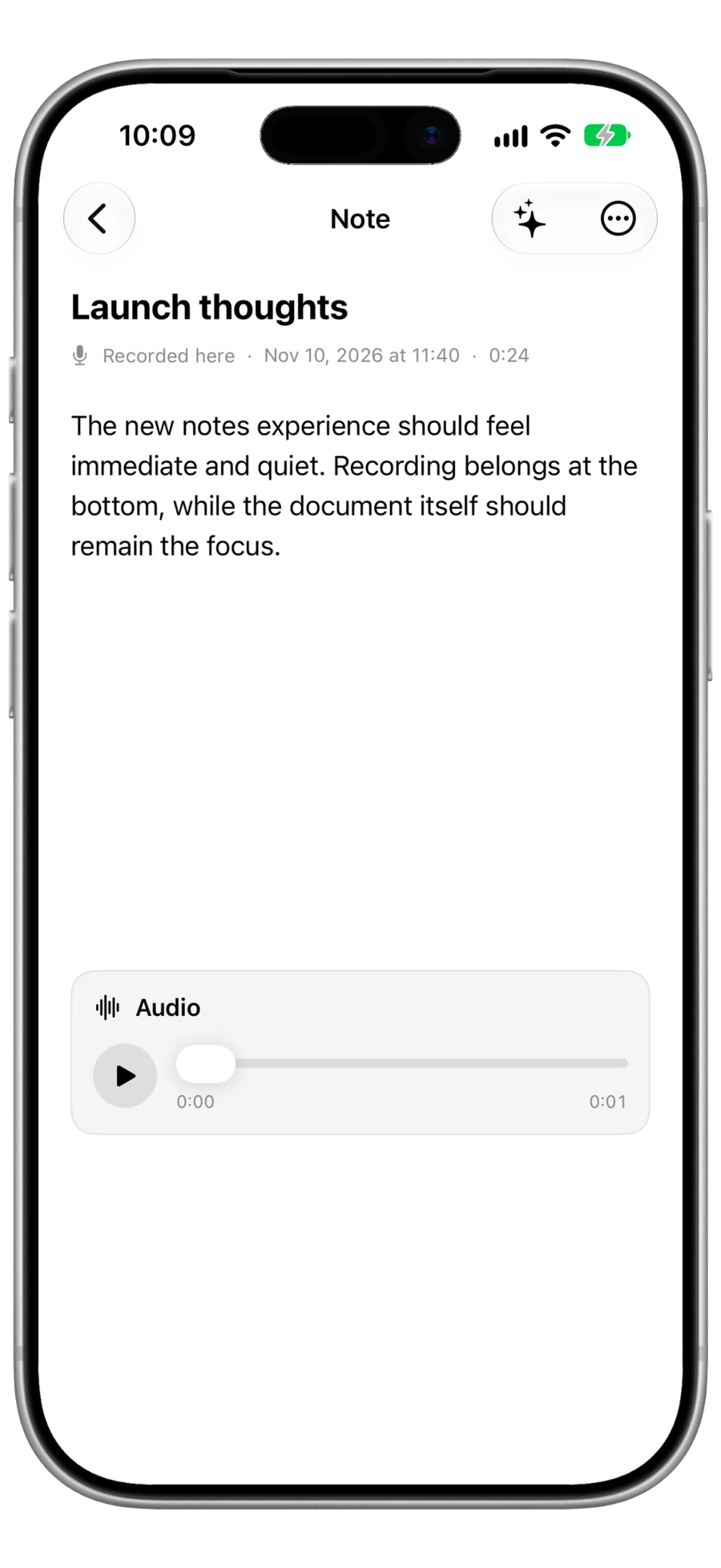
Transcribe and refine
Choose Apple Speech, Whisper, or Parakeet; select language and quality; then edit the result or create useful variants without losing the original transcript.
After transcription
Search titles, text, summaries, and tags, then filter by collection, source, content type, or tag.
Turn extracted work into a checklist, Reminder, or Calendar event after you initiate it.
Keep the source transcript alongside summaries, cleanup, translations, and Assistant answers.
Export one note or a selection as Markdown, JSON, ZIP, and optional saved audio.
Pin active work, archive completed notes, and recover deletions for up to 30 days.
Send selected completed transcriptions to your HTTPS endpoint with optional HMAC-SHA256 verification.
Download Veura or explore the complete setup and feature guides.